
Schematic changelog
Tiered Pricing for Pay in Advance
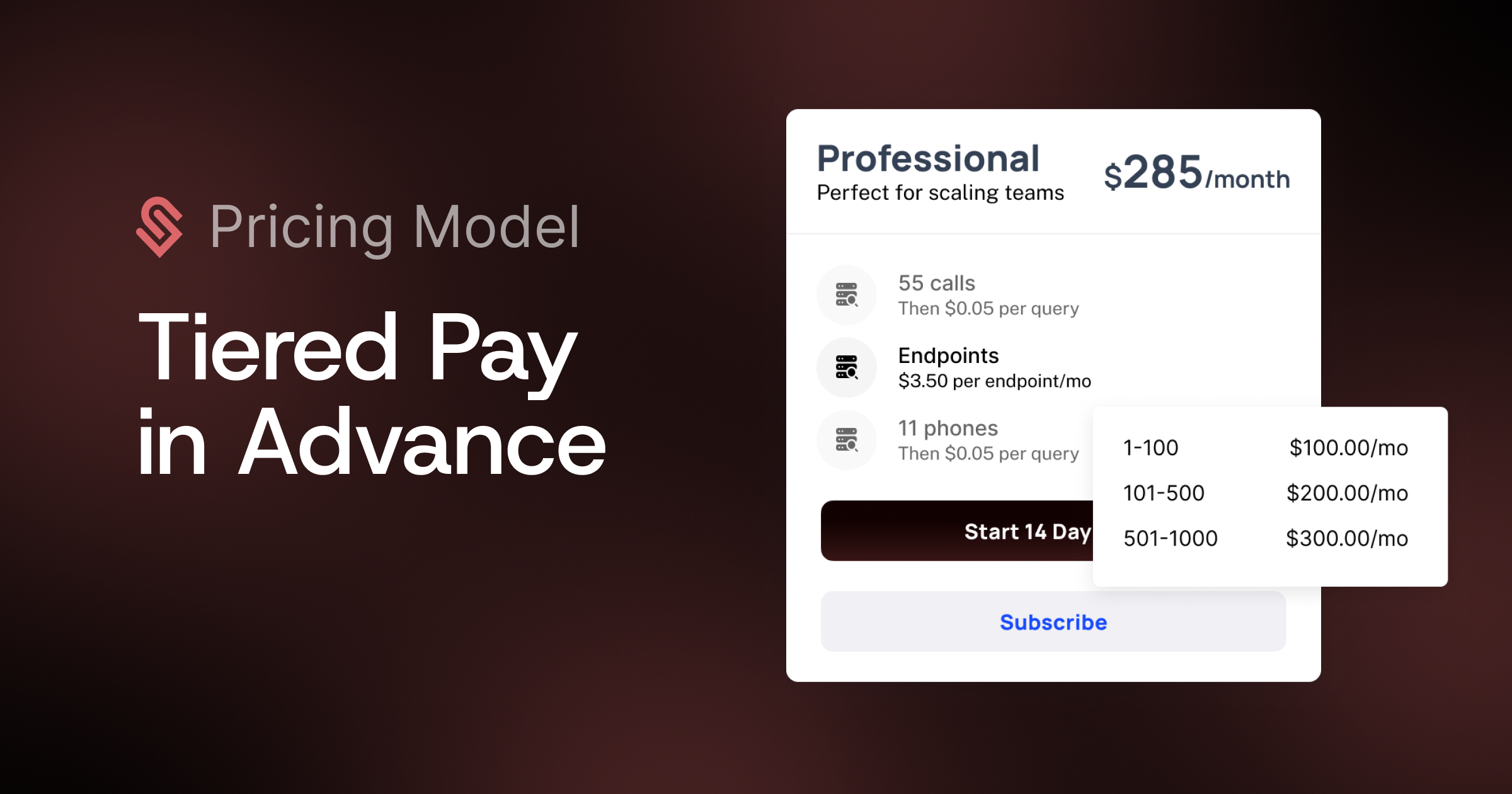
Pay-in-advance entitlements now support tiered pricing, both volume and graduated models. Previously, pay-in-advance was flat-fee only. Now you can define pricing tiers on any pay-in-advance monetized entitlement, on plans and add-ons alike.
How it works:
In the entitlement config, after selecting "Pay in advance," a new Pricing Type dropdown appears: Flat fee (existing) or Tiered (new)
When Tiered is selected, choose between Volume or Graduated pricing and define your tiers
In the entitlements table, these show as "Pay in advance, tiered" for clarity
In Components: checkout, pricing tables, and the current plan view all surface tiers via tooltip, consistent with how tiered pricing already works for metered features
The "Add More" CTA in the metered feature element works the same as standard pay-in-advance, with tier pricing impact shown inline during quantity selection